Local LLMs
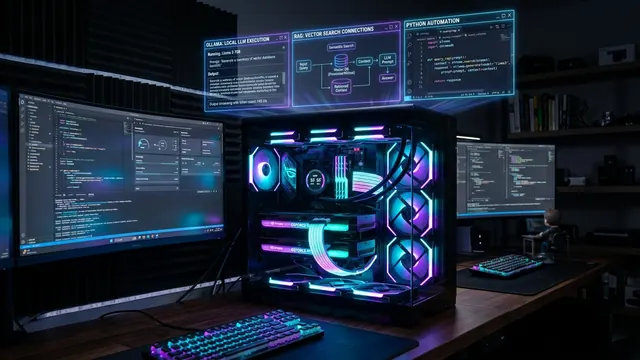
7B – 14B
Practical VRAM Target8 – 16 GB
System RAM32 GB+
Key ConsiderationVRAM + Context Length

CORE SPEC — PC & Computing Guide in Japan
An English guide to choosing Japanese BTO PCs and systems from global PC brands for AI and creative work in Japan.
What do you want to do?
Clarify your main use case, from AI to creative work.
How much computing power do you actually need?
Match your workload with realistic specs.
Which brands in Japan fit that purpose?
Compare Japanese BTO makers and global brands.
Quick Navigation
Some links lead to Japan-market stores that are primarily in Japanese. Browser translation can help you navigate most product pages—CORE SPEC focuses on what matters before you click: which brand fits your work and what to check before you buy.
Not sure which brand to choose? Compare Japanese BTO makers and global brands by price, customization, support and intended use.
Compare PC Brands →
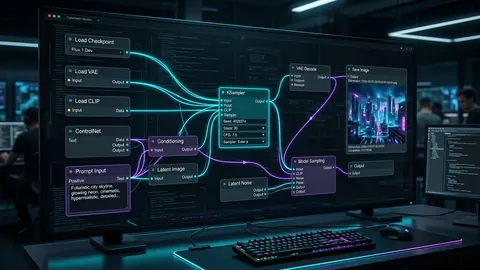
Stable Diffusion, ComfyUI and local LLMs depend on GPU, VRAM and system memory. Decide between an RTX PC, a unified-memory system or something in between.
Explore PCs for Local AI →
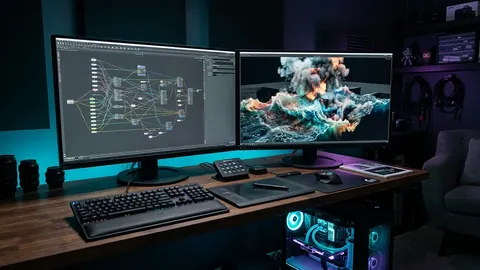
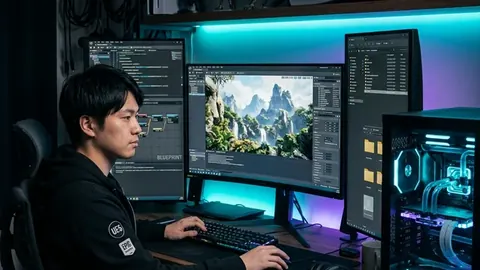
Video, VFX, 3DCG and real-time graphics need different system balances. Choose by the software you actually use—not simply the most expensive GPU.
Explore Creator PCs & Specs →
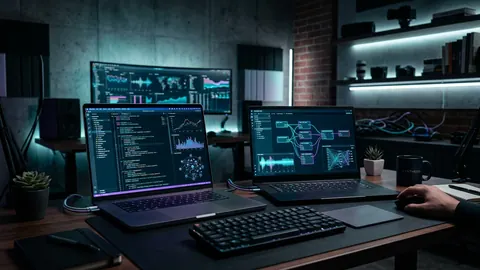
If your AI work runs on ChatGPT, Claude, Codex or Cursor, a top-end GPU may not be your first priority. Memory, display and portability may matter more.
See Cloud AI PC Priorities →Detailed configuration options and pricing tailored to the Japanese market.
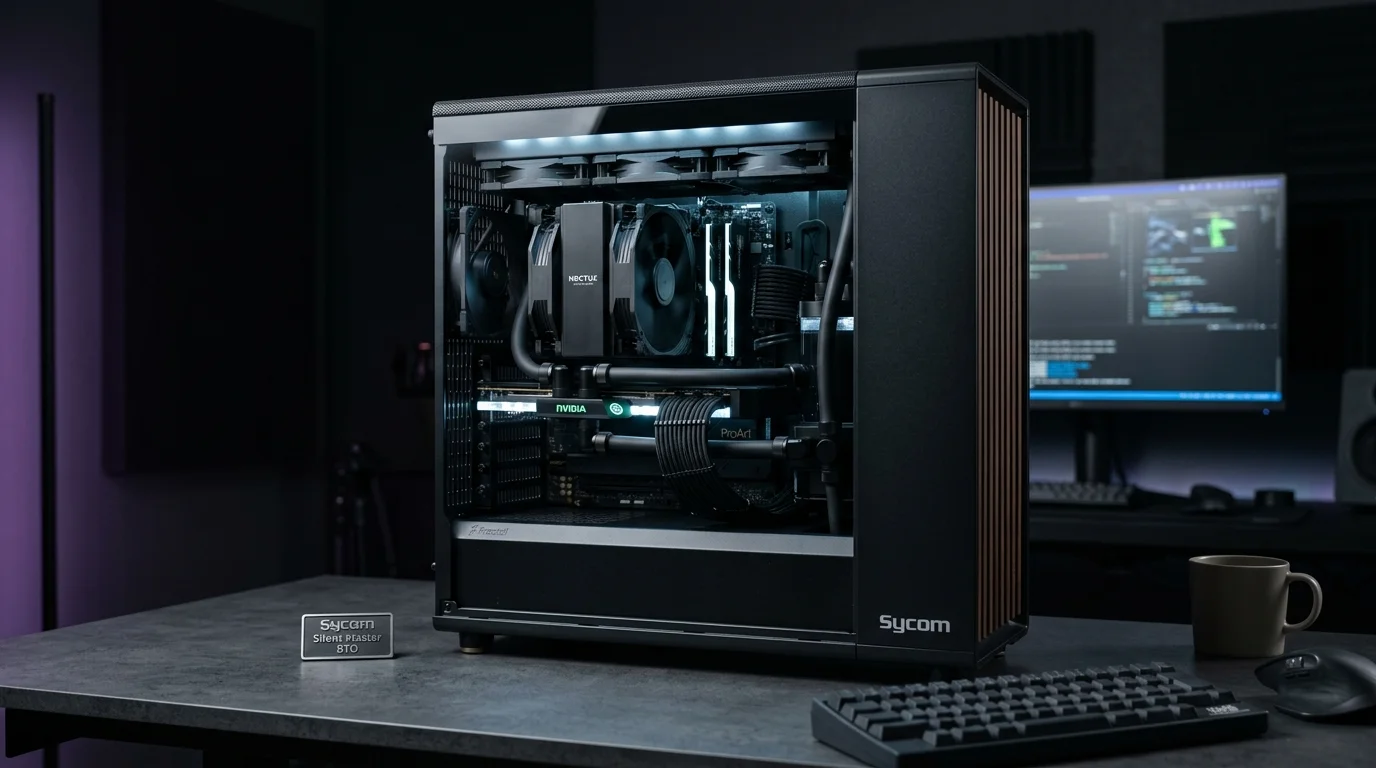 AI-generated illustration / イメージです
Best for: Component-level custom builds
Detailed parts selection, including high-grade cooling and motherboard options.
View Sycom →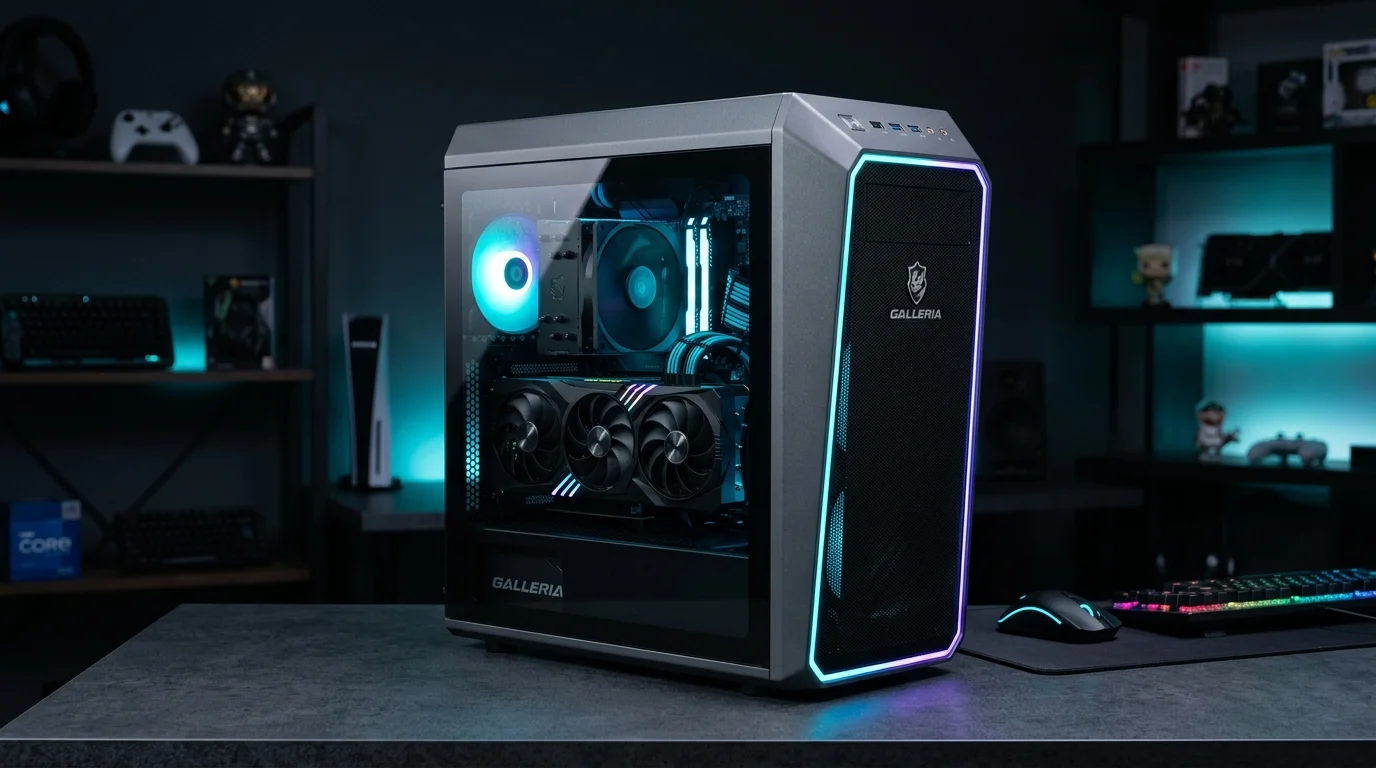 AI-generated illustration / イメージです
Best for: Straightforward high-performance PCs
Ready-to-order and BTO models for gaming and creative work.
View GALLERIA →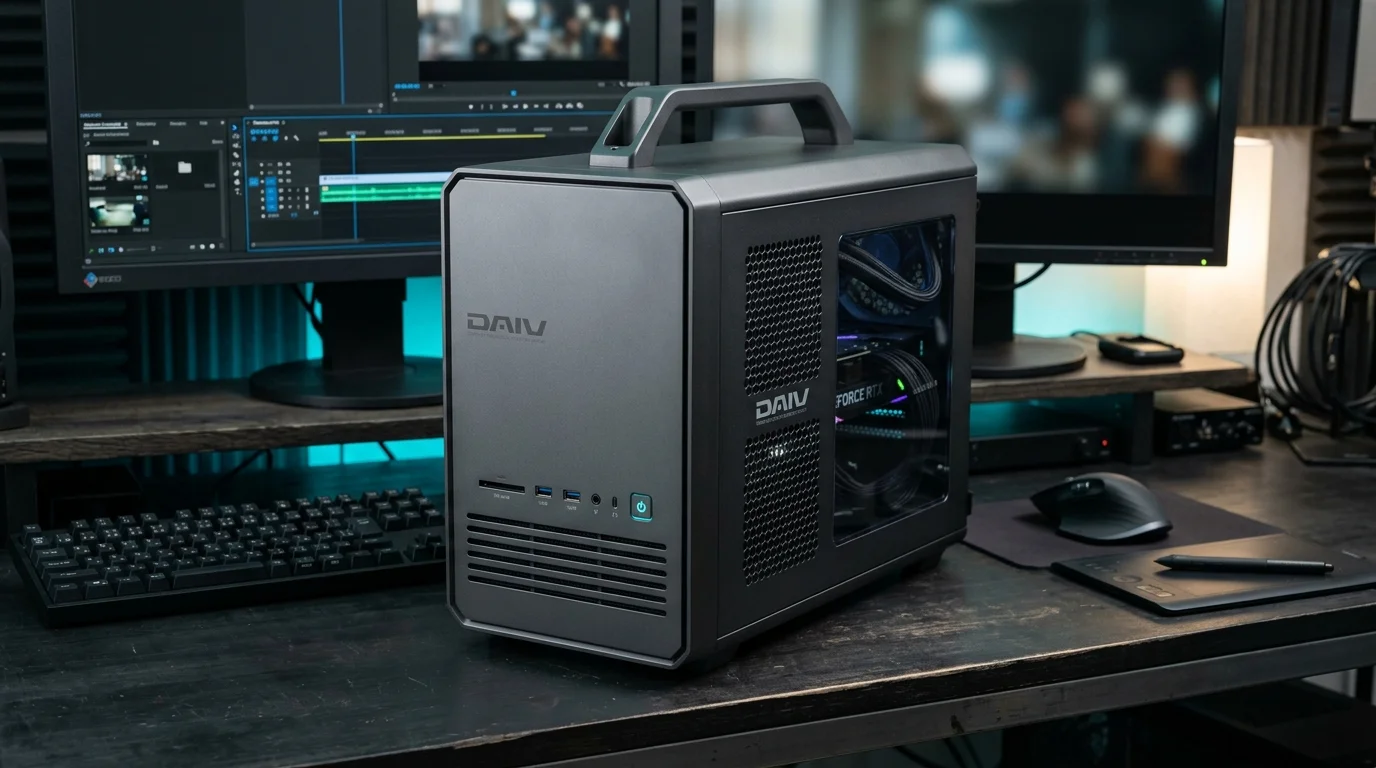 AI-generated illustration / イメージです
Best for: Video, photo, 3DCG & design creators
Creator-focused DAIV line for Adobe, video and 3DCG workflows.
View DAIV →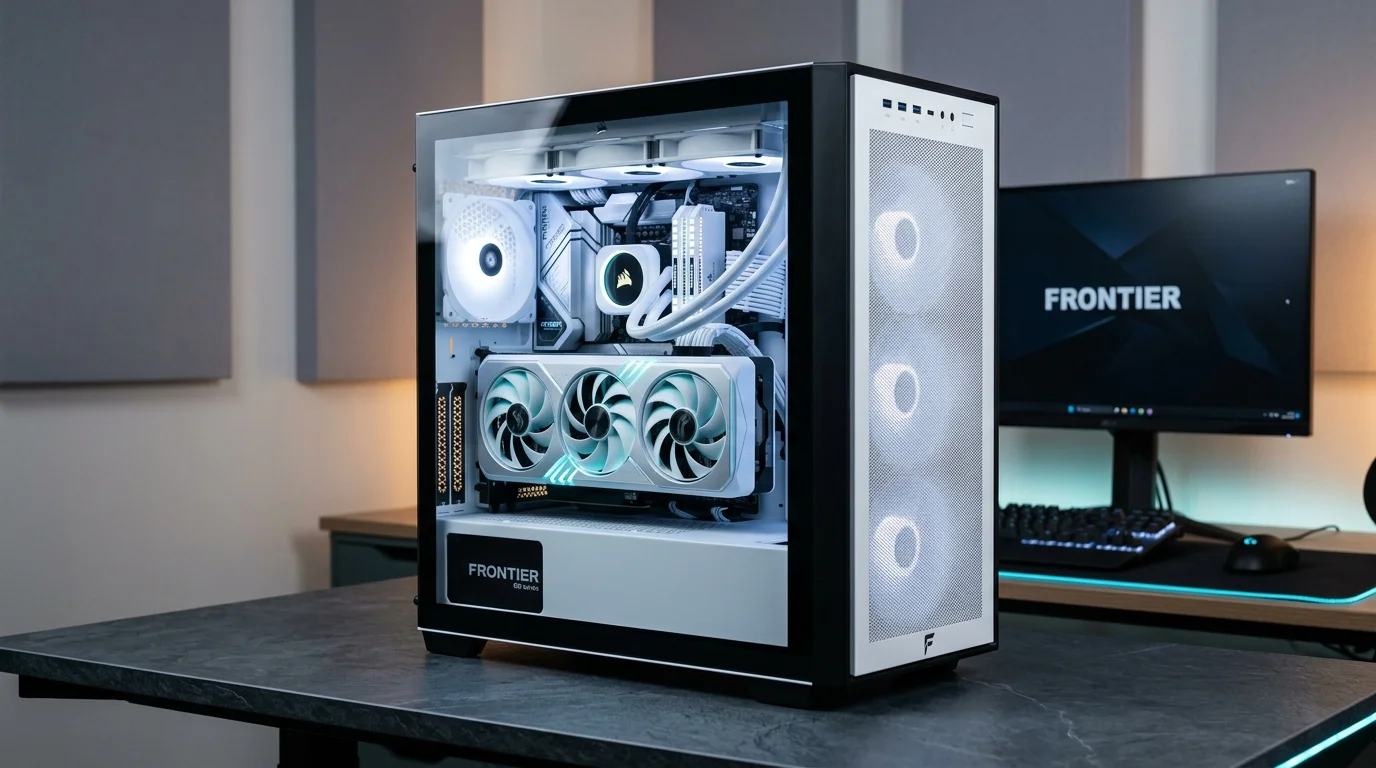 AI-generated illustration / イメージです
Best for: Buyers who prioritize sale pricing
Periodic promotional sales on high-end GPU configurations.
View FRONTIER →International brands with a strong presence in Japan.
 AI-generated illustration / イメージです
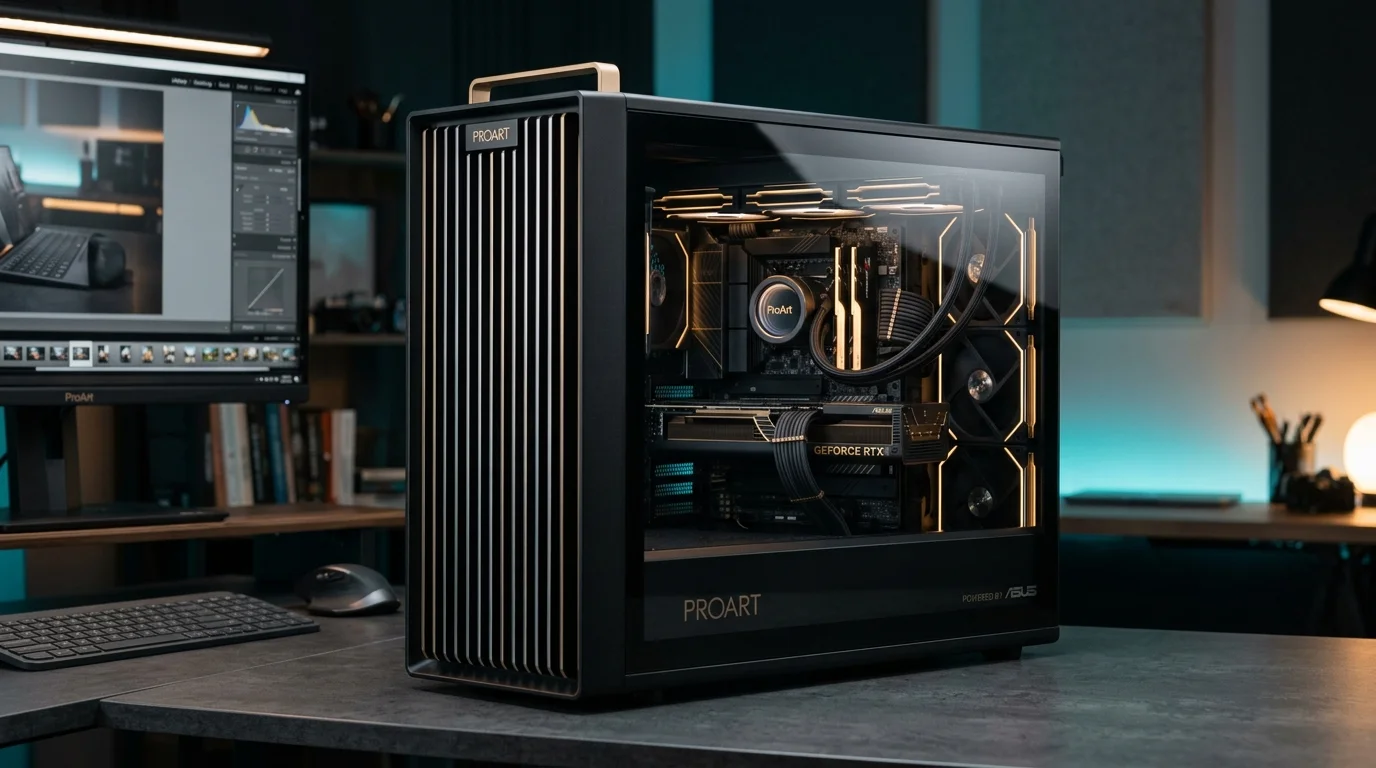
Best for: Performance, display quality & portability
ROG and ProArt lines, well suited to gamers and creators.
View ASUS →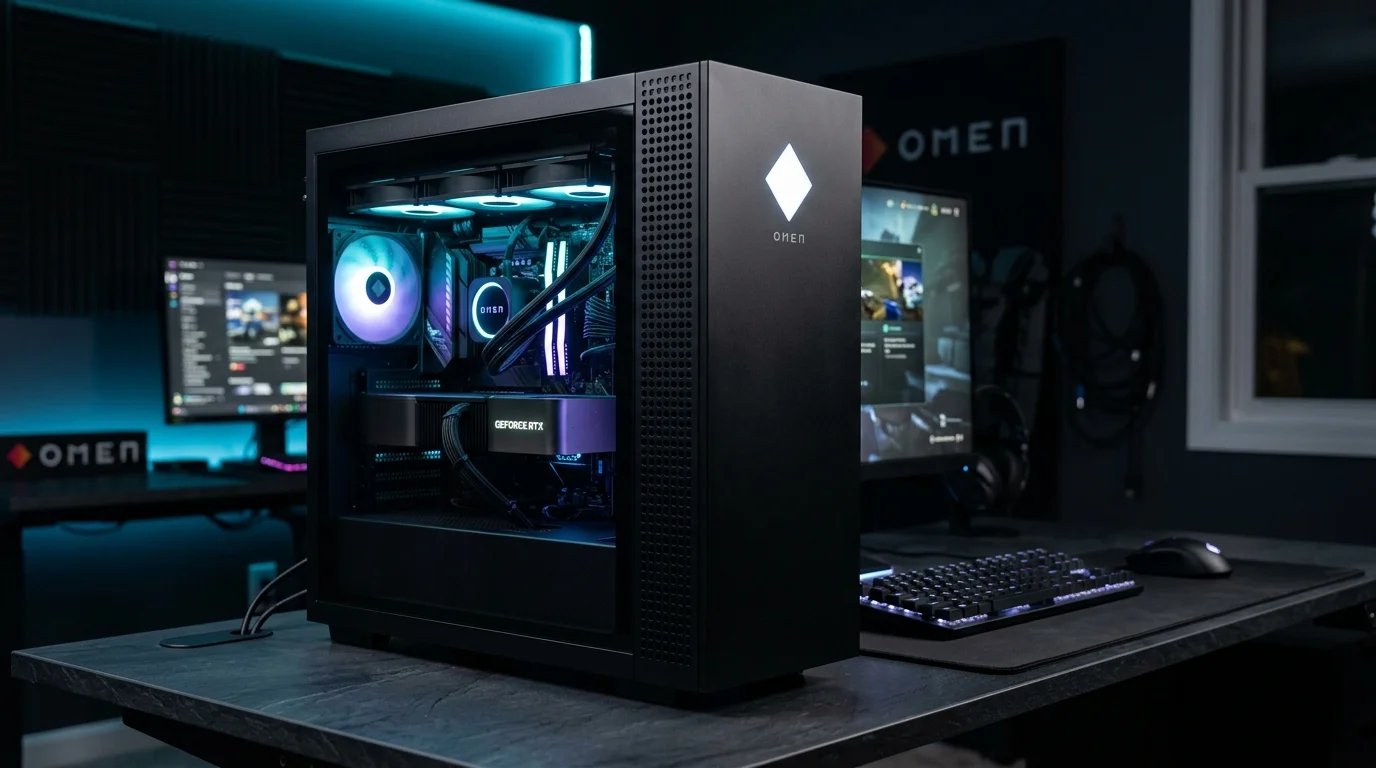 AI-generated illustration / イメージです
Best for: Buyers who prefer a familiar global brand
OMEN gaming desktops and laptops from a familiar global brand.
View HP / OMEN →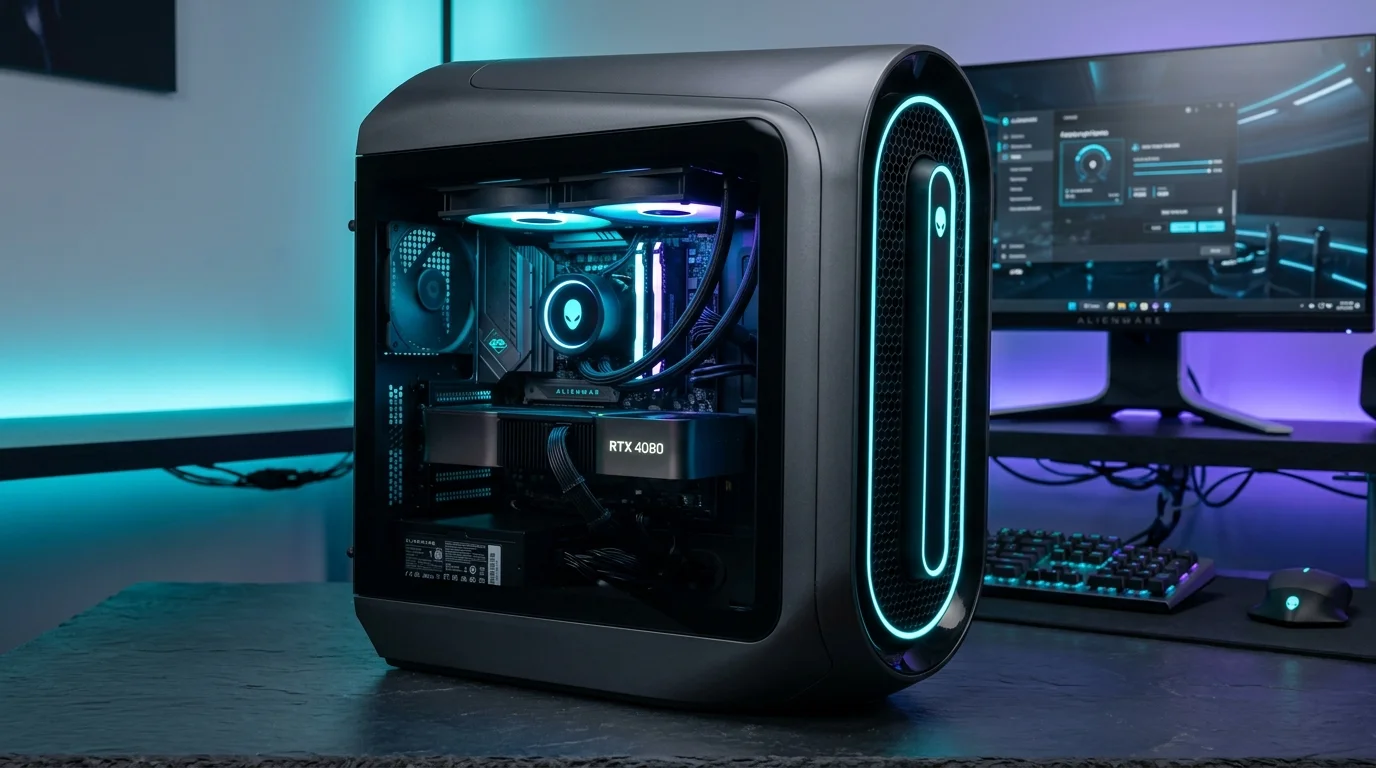 AI-generated illustration / イメージです
Best for: High-end performance from a global brand
Dell's flagship line with distinctive design, within Dell's broader ecosystem.
View Alienware →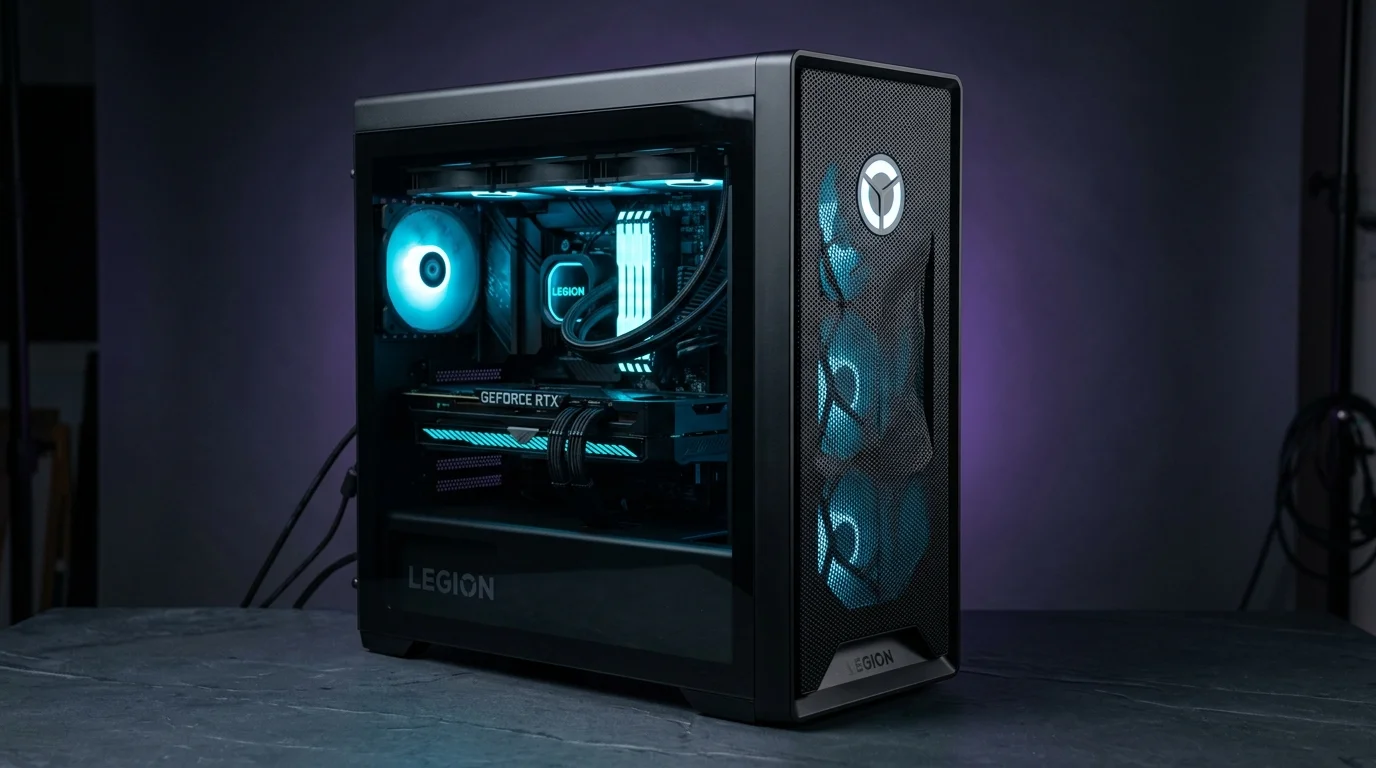 AI-generated illustration / イメージです
Best for: Laptops & desktops from a global brand
Performance-focused desktops and laptops for demanding workloads.
View Legion →Both are good options. The right choice depends on whether you prioritize component-level control, value for the budget, or brand familiarity.
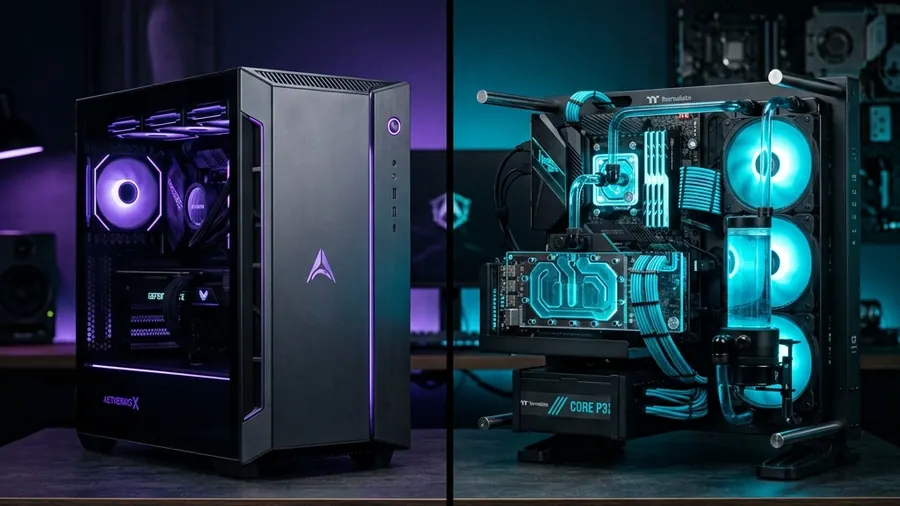
A Japanese BTO maker can be attractive if you want:
A global manufacturer can be attractive if you value:
For desktop PCs, keyboard layout is usually easy to handle because you can connect the US-layout keyboard of your choice. Laptop keyboards are different: many models sold in Japan use JIS layouts, and US-layout options vary by manufacturer and model.
Tip: Check the keyboard layout carefully when ordering a laptop.
Most Windows 11 editions support additional display languages, including English. However, language options can vary by Windows edition and by the manufacturer's preinstalled image. Windows Home Single Language and some country-specific editions may restrict additional display languages.
Tip: Check the Windows edition and language options before ordering.
Japan uses 100V AC power. A typical household wall outlet is rated for up to 15A, or approximately 1500W at 100V, while the capacity of the branch circuit itself may be different. High-end PCs, displays, speakers and other equipment can add up quickly, so check both the outlet rating and the circuit capacity before building a high-power workstation.
Tip: For high-end workstations, think about the entire circuit—not only the PC's power supply rating.
Warranty terms, repair procedures and available support languages differ by manufacturer and product line. Japanese BTO brands may provide strong domestic repair support, while global manufacturers may offer additional support channels depending on the product and warranty plan. If the PC is essential to your work, check the actual warranty and support terms before ordering.
Tip: Do not assume that English-language or international support is included—check the specific product and warranty plan.
Accepted payment methods vary by store. Some Japan-market stores accept major credit cards as well as bank transfer, convenience-store payment or other domestic payment options. Foreign-issued credit cards may not always be accepted, and installment financing has separate eligibility requirements that depend on the provider.
Tip: Check the store's current payment options before ordering, especially if you plan to use a foreign-issued card or financing.
Delivery times vary widely by manufacturer, model and customization level. Some ready-to-ship systems can arrive quickly, while heavily customized BTO systems may take longer to build and ship. Delivery-date and time-slot options also depend on the store and courier service.
Tip: Always check the current estimated ship date on the product page before ordering.
Note: These are practical starting points, not fixed requirements. Actual needs vary with model size, quantization, project complexity, codecs, plug-ins and workflow. Heavy workloads such as 8K/RAW editing or Unreal Engine 5 with Lumen, Nanite and virtual production benefit from higher-end GPUs.

Why CORE SPEC?
We help people buying PCs in Japan choose computing resources based on what they actually want to do—local AI, video production, 3DCG, real-time graphics and AI development—with a focus on real-world use in Japan.
Practical, work-focused advice
Focused on real use cases, not just spec sheets.
Context for the Japanese market
Covers Japanese BTO makers and global brands available in Japan.
Clear decision criteria
A faster GPU or more VRAM only matters if your workflow needs it.
Affiliate Disclosure
Some links on CORE SPEC are affiliate links. If you purchase a product through one of these links, CORE SPEC may receive a commission at no additional cost to you. Our editorial goal is to help readers understand the differences between products, brands and computing architectures before making a purchase.