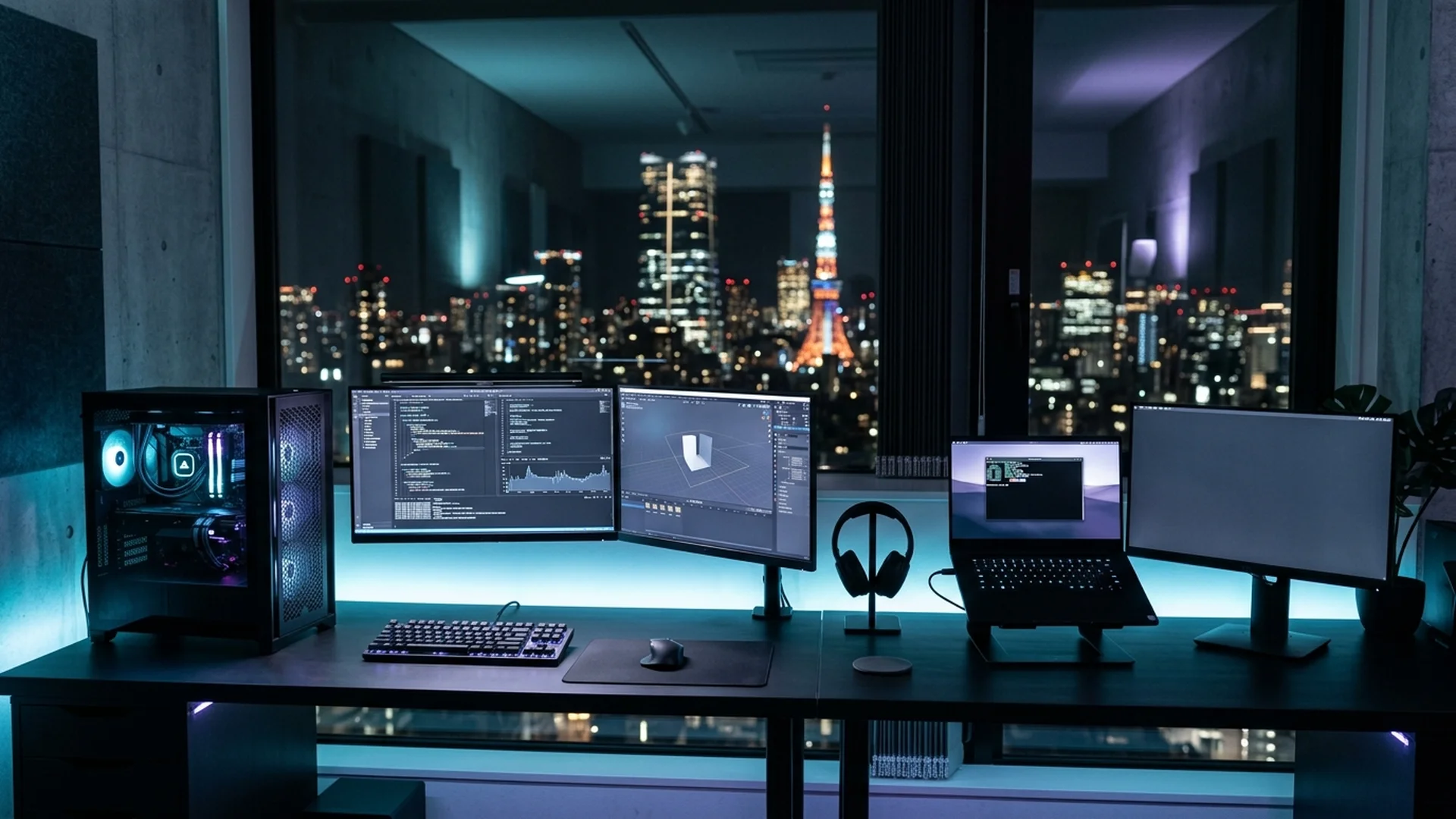
The important question is not: “Which brand is the best?” It is: “Which brand gives me the right kind of computer for the work I actually want to do?” This guide compares eight PC brands available in Japan from that perspective.
The 30-Second Answer
If you want to start quickly, use this as a first filter based on what you prioritize most:
| If you care most about... | Start with |
|---|---|
| Detailed desktop component selection (motherboard, cooling, PSU, quiet operation) | Sycom → |
| Straightforward Japanese BTO performance PCs with a direct selection path | GALLERIA → |
| Video, photo, design and 3DCG workflows (application-first approach) | DAIV → |
| Comparing domestic desktop configurations and current pricing | FRONTIER → |
| Performance laptops, displays and creator-focused mobile systems (ROG & ProArt) | ASUS → |
| A familiar global performance-PC ecosystem (gaming desktops and laptops) | HP / OMEN → |
| Premium gaming-oriented desktops and laptops with Dell ecosystem integration | Alienware → |
| Performance laptops and desktops from a global brand (GPU mobility) | Lenovo Legion → |
Editorial note: These are starting points, not universal rankings. Actual configurations, prices, warranties and availability change over time.
First: Japanese BTO or Global PC Brand?
Before comparing individual brands, decide which buying model fits you. The choice determines not just the logo on the chassis, but your upgrade freedom, warranty logistics, and parts selection.
Japanese BTO
Japan-market Build to Order systems
A Japanese BTO maker is often worth considering when you want:
- a desktop rather than a laptop
- more control over CPU, GPU, memory and storage
- higher-memory configurations (64 GB – 128 GB+)
- high-end GPU options, depending on the model
- more choice in cooling or power supply rating
- a system configured and supported for the Japanese market
Global PC Brand
Standardized multinational ecosystems
A global brand may make more sense when you want:
- a familiar product family
- a wider laptop lineup and mobile form factors
- recognizable product families and wider international review coverage
- broader international documentation and community
- an existing corporate procurement relationship
- a product ecosystem you already know
A Quick Comparison
Here is how the eight brands position themselves in the Japanese domestic market:
| Brand | Category | Strong starting point for |
|---|---|---|
| Sycom | Japanese BTO | Component-level desktop customization |
| GALLERIA | Japanese BTO | High-performance desktops with a straightforward buying path |
| DAIV | Japanese BTO / Creator | Video, photo, 3DCG and design |
| FRONTIER | Japanese BTO | Comparing desktop configurations and current Japan-market pricing |
| ASUS | Global | Performance laptops, ROG and ProArt |
| HP / OMEN | Global | Performance desktops and laptops |
| Alienware | Global | Premium gaming-oriented systems |
| Lenovo Legion | Global | Performance laptops and desktops |
Intentional overlap: A video editor could reasonably choose DAIV, ASUS ProArt, GALLERIA or even a carefully configured Sycom system. The difference is how you want to arrive at the right configuration.
Brand Comparison: In-Depth Breakdown
Japanese BTO Brands
Sycom
Japanese BTOBest starting point for: People who care about what is actually inside the desktop.
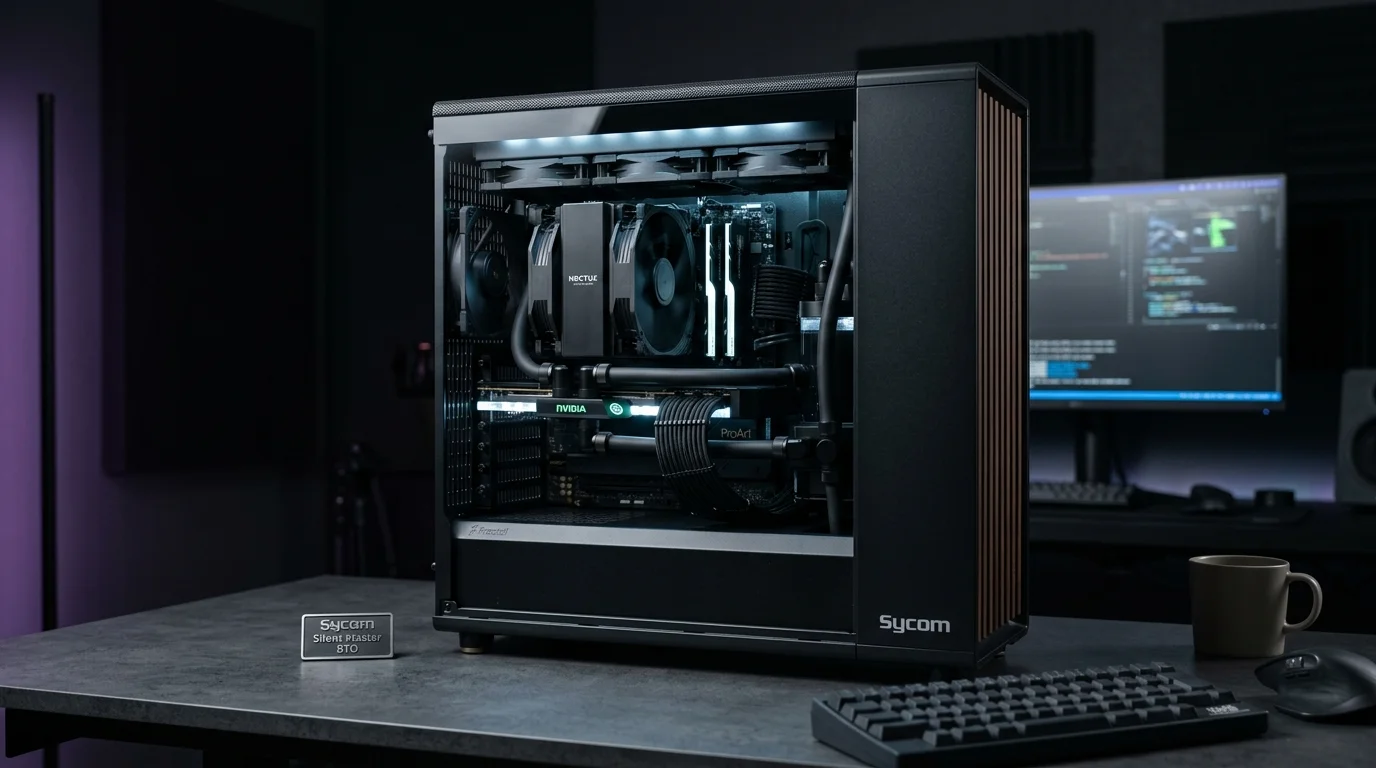
Sycom is one of the most interesting Japanese BTO makers for technically experienced buyers. Its lineup spans standard desktops, gaming systems, quiet PCs, creator-oriented systems and specialized liquid-cooled configurations.
What makes Sycom particularly relevant to CORE SPEC readers is not simply high performance. It is the ability to think at the component level. Depending on the model, you may be able to make decisions around CPU, GPU, motherboard, CPU cooler, power supply, memory, storage, and cooling approach.
That matters when your workload is sensitive to more than benchmark numbers. For example, a workstation for long Houdini simulations, local AI inference or sustained GPU rendering may need to be evaluated around thermals, memory capacity and power delivery as much as headline GPU performance.
- you understand PC components
- you want a high-end desktop
- you care about cooling and acoustics
- you want more control over the configuration
- you are building around a specific workload
You want the simplest possible buying experience and do not want to evaluate individual component choices. More options are useful only when you know why you need them.

GALLERIA
Japanese BTOBest starting point for: People who want a straightforward route to a high-performance Japanese PC.
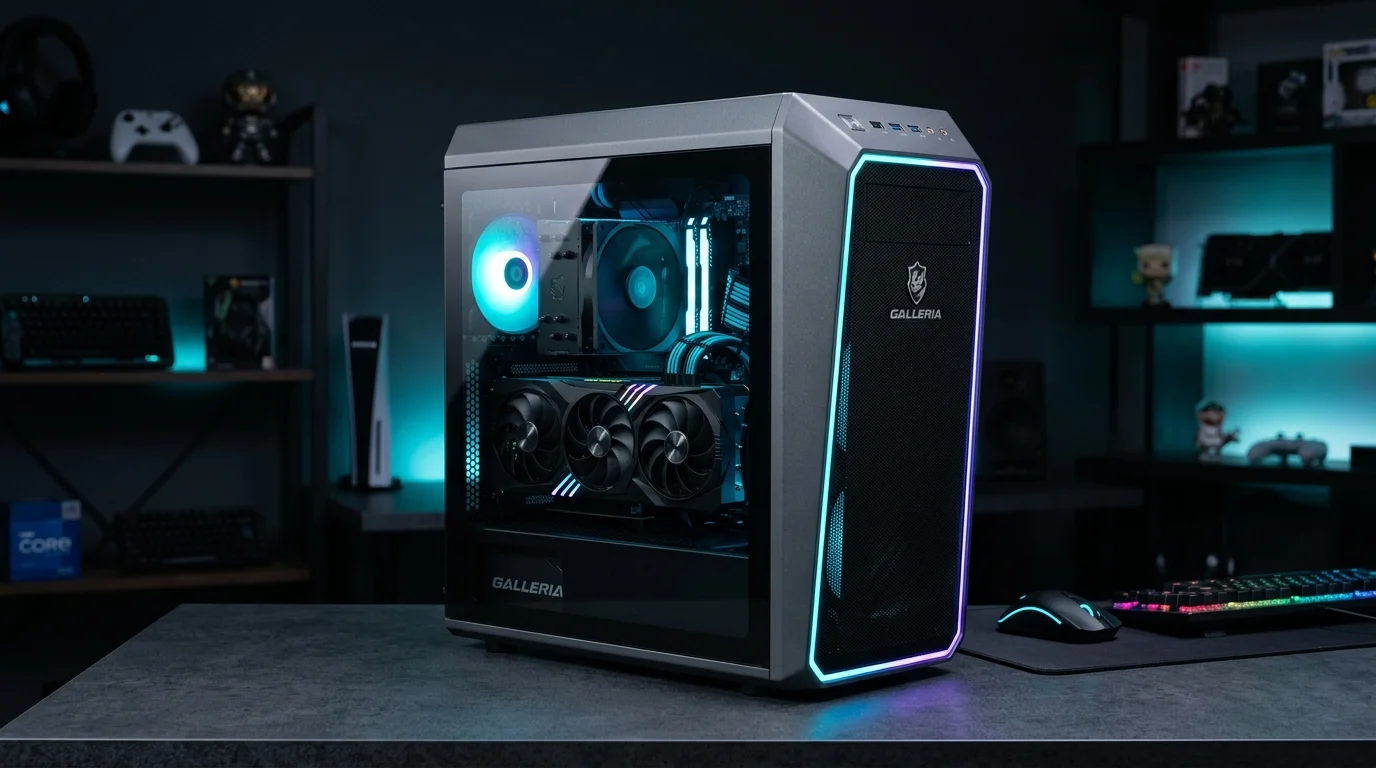
GALLERIA is one of the most visible Japanese PC brands within Dospara's ecosystem. GALLERIA currently spans gaming and creator-oriented systems, while Dospara also offers broader AI PC and workstation categories. That makes GALLERIA easier to approach for buyers who do not want to begin by choosing every individual component.
Compared with a highly granular BTO approach, the buying experience can feel closer to: choose a performance class → adjust the important options → buy, rather than designing the entire machine from the inside out.
This can be useful for international buyers who already have enough decisions to make around Japanese checkout, keyboards, warranty and payment.
- you want a high-performance desktop
- you prefer a more direct selection process
- you are buying for gaming, creative work or GPU-heavy workloads
- you want access to the wider Dospara PC ecosystem
Your primary goal is selecting specific component brands and deeply controlling every internal part from motherboard vendor to thermal paste.

Mouse / DAIV
Japanese BTO / CreatorBest starting point for: Creators who prefer to start from the application and workflow.
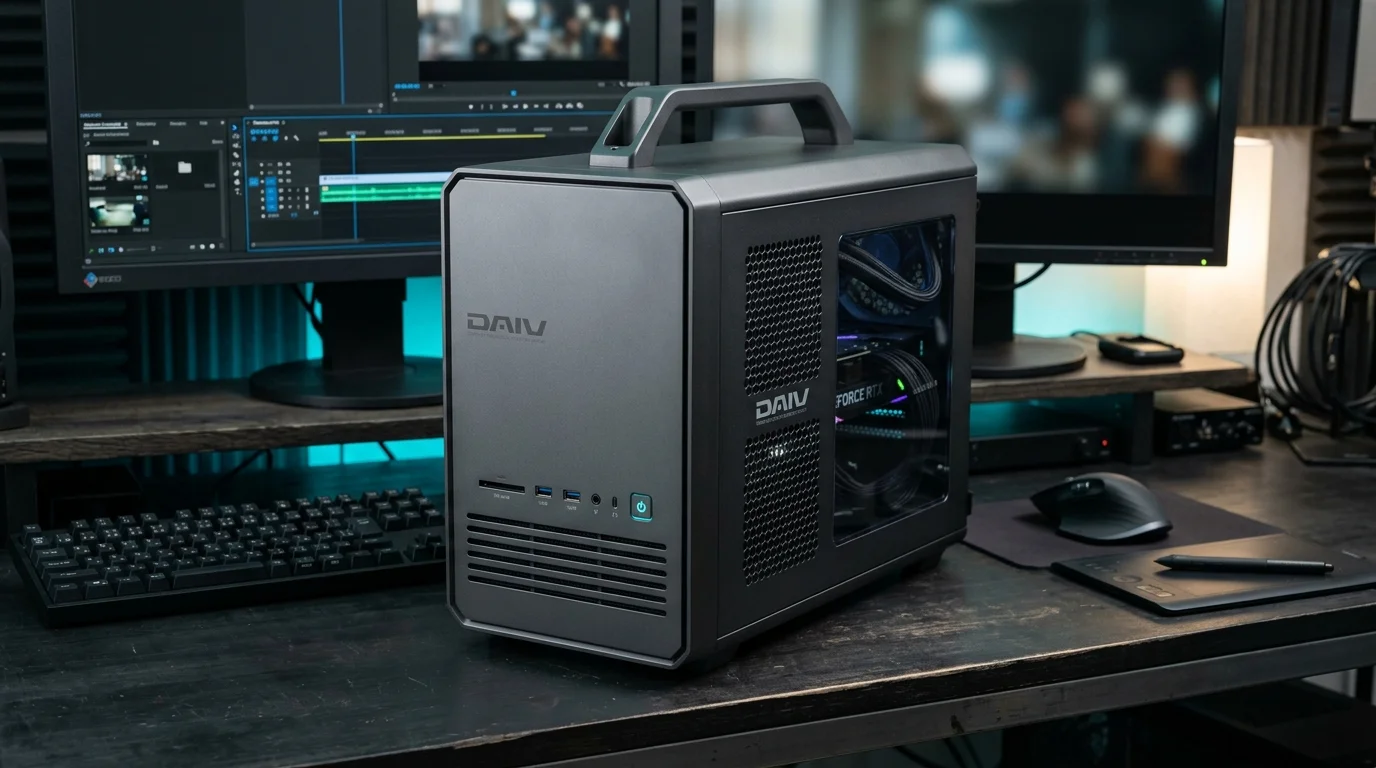
DAIV is Mouse Computer's creator-focused PC brand. Its official lineup is organized around work such as video production and editing, 3DCG and CAD, illustration and manga, photography and RAW development, and design and DTP. It also includes desktop systems, creator laptops and workstation-class products.
This makes DAIV particularly easy to understand if you come from a creative rather than PC-building background. Instead of beginning with: “Which motherboard do I want?”, you can begin with: “What kind of work do I do?” That is very close to the CORE SPEC approach.
- you use Adobe applications
- you edit video
- you work with photography or design
- you use Blender, 3DCG or CAD
- you want a creator-focused laptop
- you prefer workload-oriented product selection
You want maximum component-level freedom or are building an unusual AI / research configuration that does not map cleanly to a conventional creator workflow.
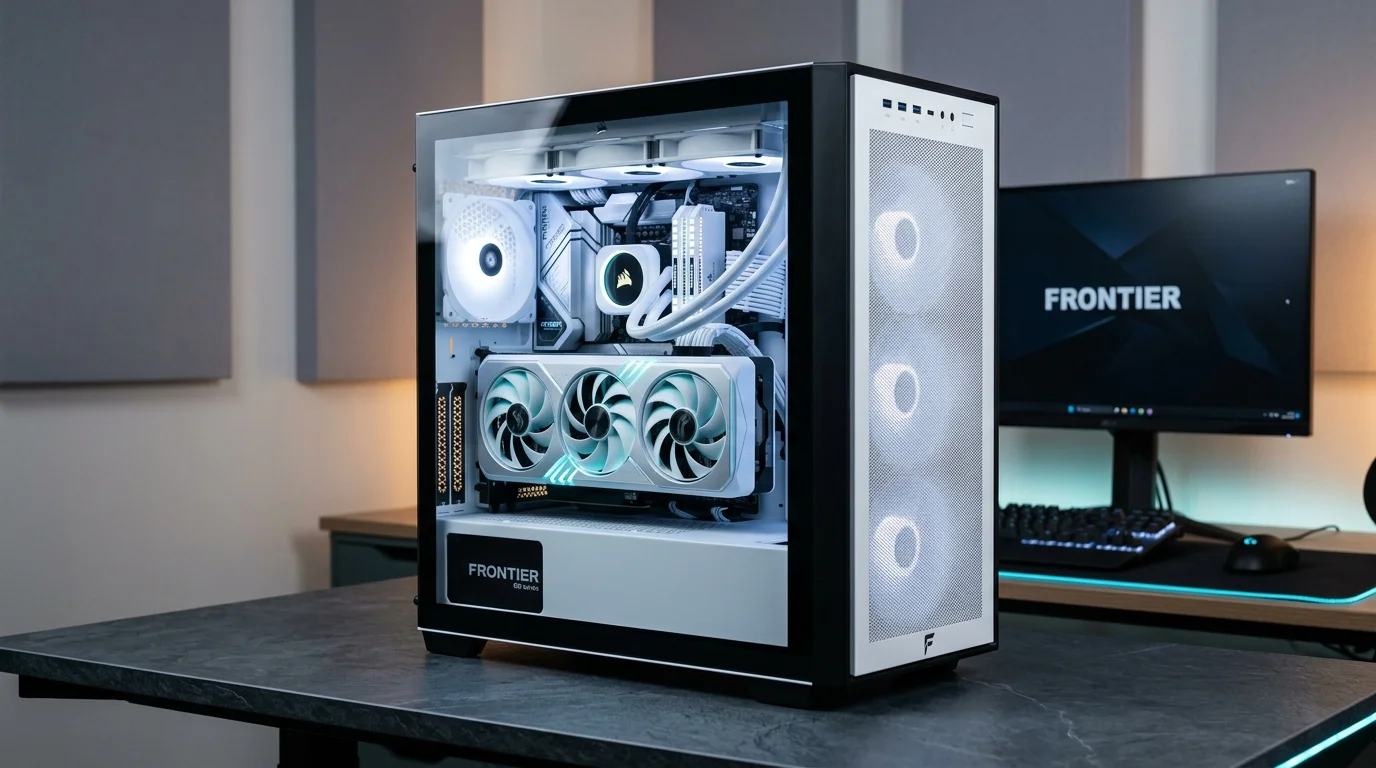
FRONTIER
Japanese BTOBest starting point for: People comparing domestic desktop configurations and current Japan-market pricing.
FRONTIER offers BTO desktop systems across multiple CPU and GPU combinations, with current configurations and prices displayed directly in its online store.
For an international buyer, FRONTIER is worth including in the comparison because the right answer is sometimes not a brand philosophy. It is simply: Which currently available configuration gives me the hardware balance I need?
This is especially relevant when comparing higher-end Japanese desktop PCs, where the same GPU can appear in very different total-system configurations.
- you are comparing several Japanese BTO options
- you know your target GPU and memory class
- you want to evaluate current desktop configurations
- you are willing to check the store regularly before buying
You want a creator-specific ecosystem or a highly guided application-based selection process.

“Choose the architecture first. Then choose the brand.”
Whether you build through domestic Japanese BTO or buy into a global family, the hardware bottleneck always dictates your productivity: VRAM for AI, RAM for 3D simulation, and display mobility for visual production.
Global PC Brands in Japan
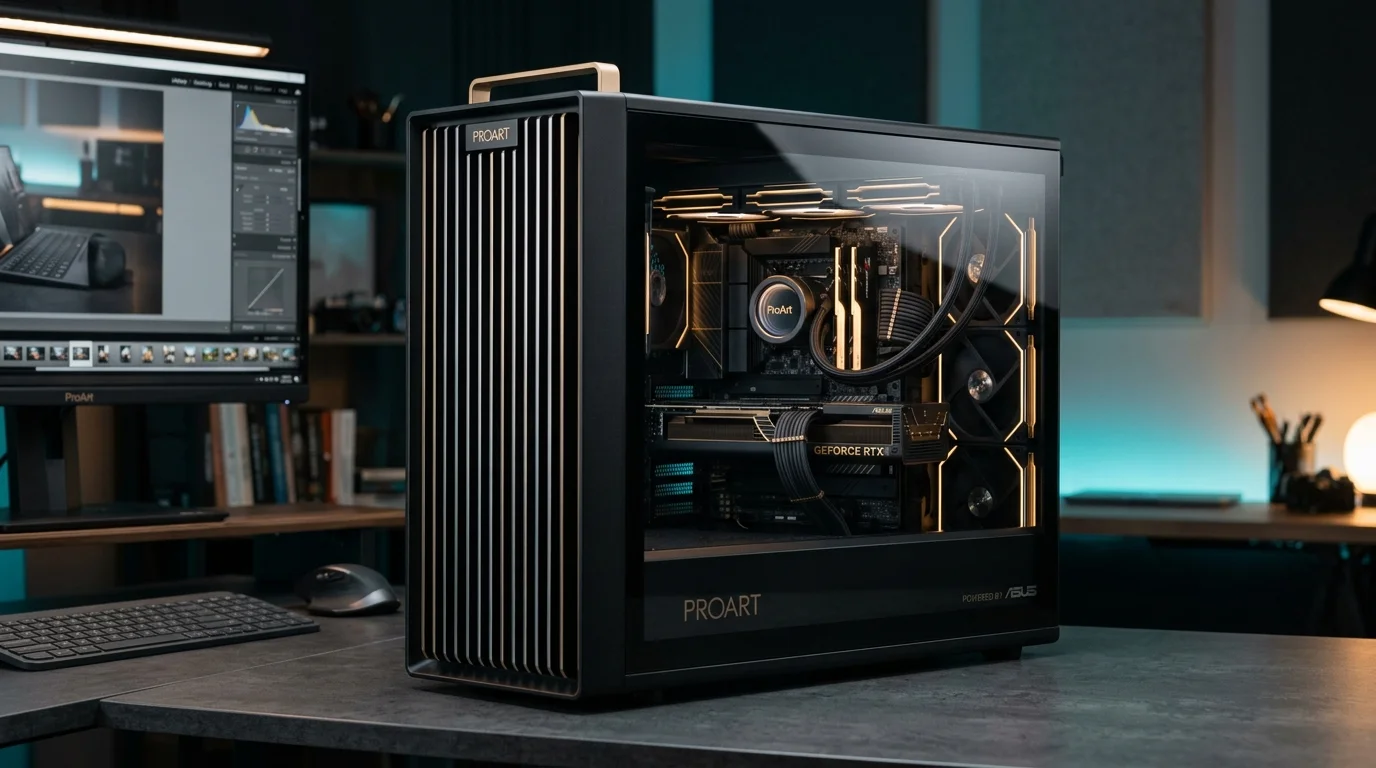
ASUS
GlobalBest starting point for: Performance laptops, display quality and creator mobility.
ASUS has two particularly relevant product directions for CORE SPEC readers. ROG focuses primarily on high-performance gaming hardware. ProArt focuses on creator workflows, including video, 3D and visual production.
For a buyer who needs substantial computing power but cannot commit to a desktop tower, ASUS can be especially interesting. This is also where the difference between a “fast PC” and a “useful creative computer” becomes important.
A creator laptop is not only about GPU performance. You may also care about: display quality, resolution, portability, battery life, I/O, physical size, and keyboard layout.
- you want a high-performance laptop
- you care about the built-in display quality
- you want ROG for performance or ProArt for creative work
- you move between home, studio, school or client sites
You need extensive desktop component customization or want to configure interchangeable internal parts yourself.
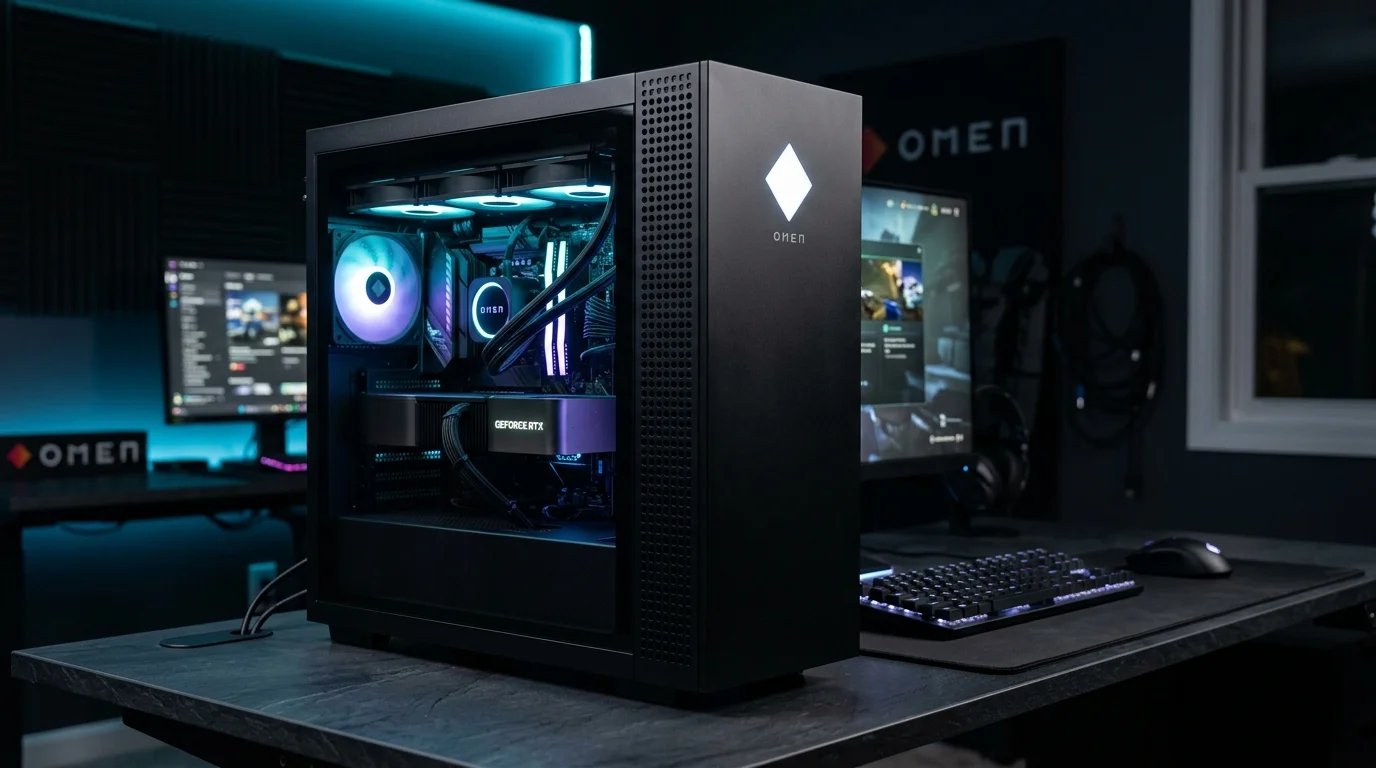
HP / OMEN
GlobalBest starting point for: Buyers who want a familiar global brand with high-performance systems in Japan.
HP's OMEN lineup includes performance-oriented desktops and laptops in the Japanese market. High-end desktop configurations can extend into flagship GPU territory, while the laptop lineup covers several performance levels.
The appeal here is different from Japanese BTO. You are buying into a defined global product family rather than constructing a machine around individually selected desktop components.
- you already know HP and trust the brand
- you want a gaming / performance desktop or laptop
- you prefer a standardized product family
- you want to compare a global brand against Japanese BTO alternatives
You want deep control over motherboard vendor, PSU model, cooling radiators and other internal desktop components.
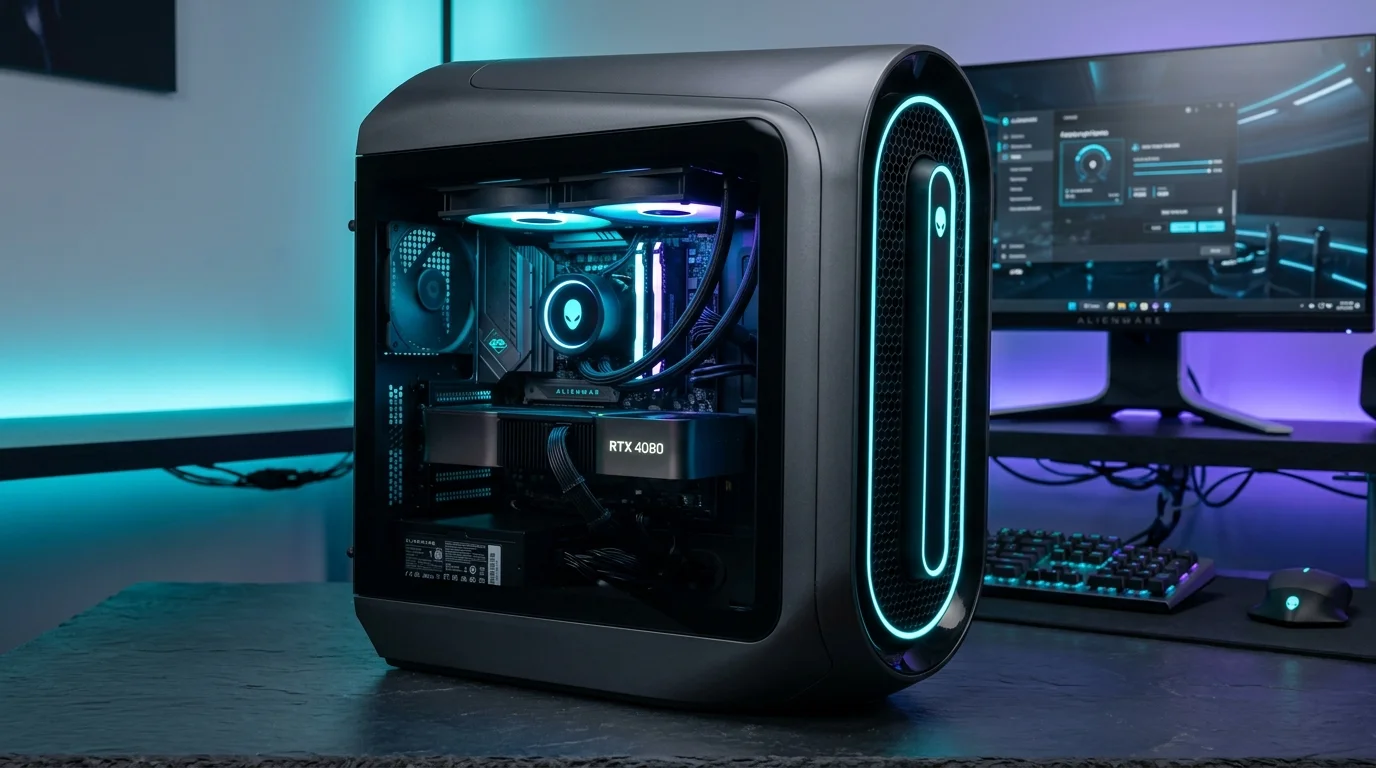
Alienware
GlobalBest starting point for: Buyers who want Dell's premium gaming-performance ecosystem.
Alienware is Dell's gaming-focused product family. In Japan, its desktop lineup includes families such as Area-51 and Aurora, alongside gaming laptops, displays and peripherals.
Alienware is less about building a completely custom desktop from interchangeable component choices. Its value proposition is the complete system: chassis, cooling, industrial design, performance configuration, and the Dell ecosystem.
For creative professionals, that can still be useful if the software workload benefits from the same CPU and GPU resources used for high-end gaming. But you should buy it because the complete system fits your needs — not simply because it carries a premium label.
- you want a premium global performance system
- you value the complete chassis and thermal design
- you prefer Dell's ecosystem and support
- gaming and GPU-heavy work share the same machine
You want component-level BTO flexibility or a creator-first product structure.
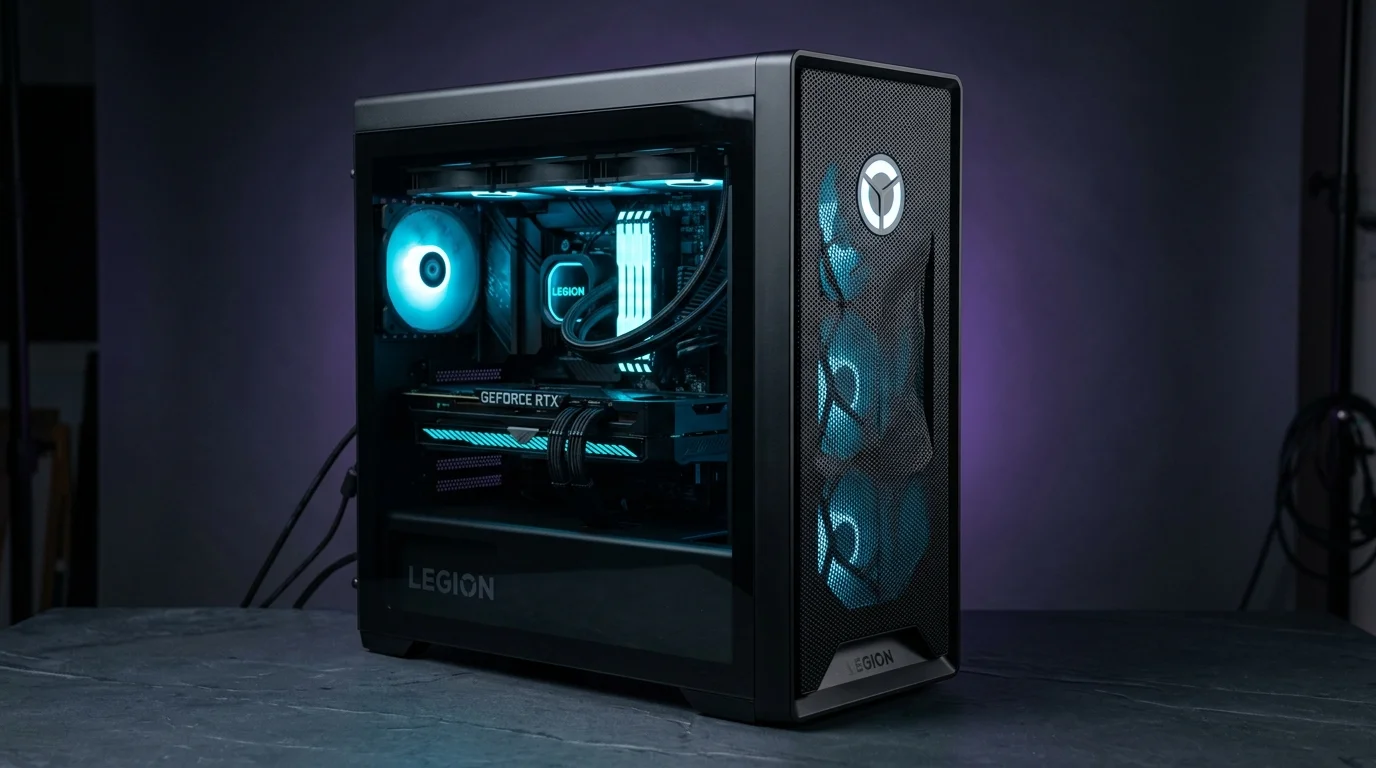
Lenovo Legion
GlobalBest starting point for: Performance laptops and desktops from a major global PC brand.
Lenovo Legion covers both gaming laptops and desktops in Japan. Its laptop range is particularly relevant to people who need high GPU performance away from a fixed workstation.
Current Legion systems span multiple GPU performance classes, making the brand useful to compare when you are deciding between: a high-performance mobile system and a Japanese BTO desktop with greater cooling and upgrade headroom. That tradeoff matters more than the logo.
- you need a high-performance laptop
- you want a global product family
- you also want desktop options
- gaming and creative workloads overlap
Your primary requirement is highly granular desktop component selection.
Which Brand Should You Choose for Your Workload?
Different workloads create different hardware bottlenecks. Do not buy a brand based on general reputation; align your machine with the specific computing resources your software demands.
Local AI and Local LLMs
Start with the memory requirementIf your workload depends heavily on:
a configurable desktop from Sycom, GALLERIA, DAIV or FRONTIER may be easier to shape around the workload. But architecture may matter more than brand: for some local AI workloads, an RTX desktop may be the right answer; for others, a unified-memory system may deserve consideration.
Video Editing and Motion Graphics
Start with the software and media formatDAIV is a natural starting point because its product structure is explicitly creator-oriented. ASUS ProArt is worth considering if mobility and display quality matter. But GALLERIA, Sycom and other high-performance systems can also be excellent editing machines when correctly configured.
Do not treat “creator PC” as a mere label. Look at: codec support, timeline resolution, system RAM capacity, GPU hardware acceleration, fast scratch NVMe storage, color-calibrated display, and portability.
Blender, Houdini and 3DCG
Workload determines the hardware targetThere is no single “3DCG PC.” Blender GPU rendering pushes you toward raw GPU compute and VRAM capacity. Houdini simulations can push you toward multi-threaded CPU cores and massive system memory (64 GB – 128 GB+). Real-time engines create another set of constraints.
For technically specific desktop builds, Sycom may be attractive. For a creator-oriented buying path, DAIV is easier to navigate. For mobile 3D work, global performance laptops (ASUS, Legion) become more relevant.
TouchDesigner and Real-Time Graphics
Start with the installation requirementsAsk yourself: How many display outputs? What canvas resolution? Video capture hardware requirements? How much VRAM for real-time textures? How long must the system run continuously? Desktop or mobile deployment?
For permanent or high-load installations, desktop cooling, PCIe expansion slots, and I/O flexibility can matter far more than brand recognition.
Cloud AI and AI Coding
Don't overspend on local GPUIf most compute happens through ChatGPT, Claude, Codex, Cursor, cloud APIs, and remote GPU cloud instances, do not assume you need a flagship local desktop GPU.
A well-designed laptop from ASUS, HP, Lenovo or another manufacturer may make much more sense if your actual priorities are: screen quality, 32 GB RAM, long battery life, a comfortable keyboard, and lightweight portability.
What International Buyers Should Check Before Choosing a Brand
Brand comparison is only one part of buying a PC in Japan. Before finalizing an order, verify these operational factors:
Especially critical on laptops. Japan-market laptop configurations often use JIS keyboards, even when overseas versions are available with US layouts. External USB/Bluetooth US keyboards connect seamlessly to any desktop.
Check the installed Windows edition. Windows 11 Home/Pro supports downloadable English language packs, but confirm the edition is not restricted to single-language operation.
Do not assume support terms or available languages match those in other countries. Warranty and repair procedures vary by manufacturer. Some services use domestic pickup or send-back repair, while others may require carry-in or other return procedures.
Foreign-issued credit cards and installment financing eligibility vary significantly across stores. Depending on the store, alternatives such as bank transfer, convenience-store payment or other payment services may also be available.
Some ready-to-ship models can dispatch quickly, while customized BTO systems may require additional time for assembly and testing. Always check the current estimated ship date before ordering.
Japan uses 100V domestic electricity at 50Hz (East) or 60Hz (West). A standard 15A wall outlet corresponds to approximately 1,500W at 100V. Multiple outlets may share the same branch circuit, so check both the outlet rating and the total load on the circuit.
A Better Way to Choose
Do not begin with: “Which brand should I buy?” Use this sequence instead:
Define the work
What do you actually want the computer to do on a daily basis?
Identify the bottleneck
GPU VRAM, system memory, CPU single-thread/multi-thread, NVMe storage throughput, I/O, or portability?
Decide desktop or laptop
Thermal headroom and upgradeability vs mobile workflow and integrated display quality.
Decide how much configuration control you need
Component-level parts selection vs streamlined, pre-validated performance tiers.
Compare the brands that fit those constraints
Narrow down your options to the 2–3 makers that match your architecture.
Compare actual Japan-market configurations and prices
Audit current official online store listings, warranties, and campaign pricing.
Frequently Asked Questions
What is the best PC brand in Japan?
There is no universal best brand. Sycom may suit buyers who want detailed desktop customization, while DAIV may be easier for creators and global brands may suit buyers who prefer familiar laptop and product families.
Are Japanese BTO PCs good for AI?
They can be. The important factors are the actual GPU, VRAM, system memory, cooling and software compatibility rather than whether the PC is classified as BTO.
Can foreigners buy from Japanese BTO stores?
International residents can use Japanese online stores, but accepted payment methods, financing requirements, support languages and checkout procedures vary by store. Check the conditions before ordering.
Is DAIV only for creators?
DAIV is positioned as a creator-focused PC brand, but the hardware can also be suitable for other workloads. Evaluate the actual CPU, GPU, memory and storage configuration.
Is a gaming PC suitable for creative work?
Often, yes. Gaming PCs and creator workstations can share powerful CPUs and GPUs. However, creative workloads may place different demands on memory capacity, storage, display quality, I/O and sustained performance.
Should I buy Japanese BTO or a global brand?
Choose Japanese BTO when desktop configuration flexibility matters. Choose a global brand when laptops, product familiarity or an established global ecosystem matter more. There is substantial overlap.
Next Steps
Now that you understand the brands available in Japan, continue your planning: